
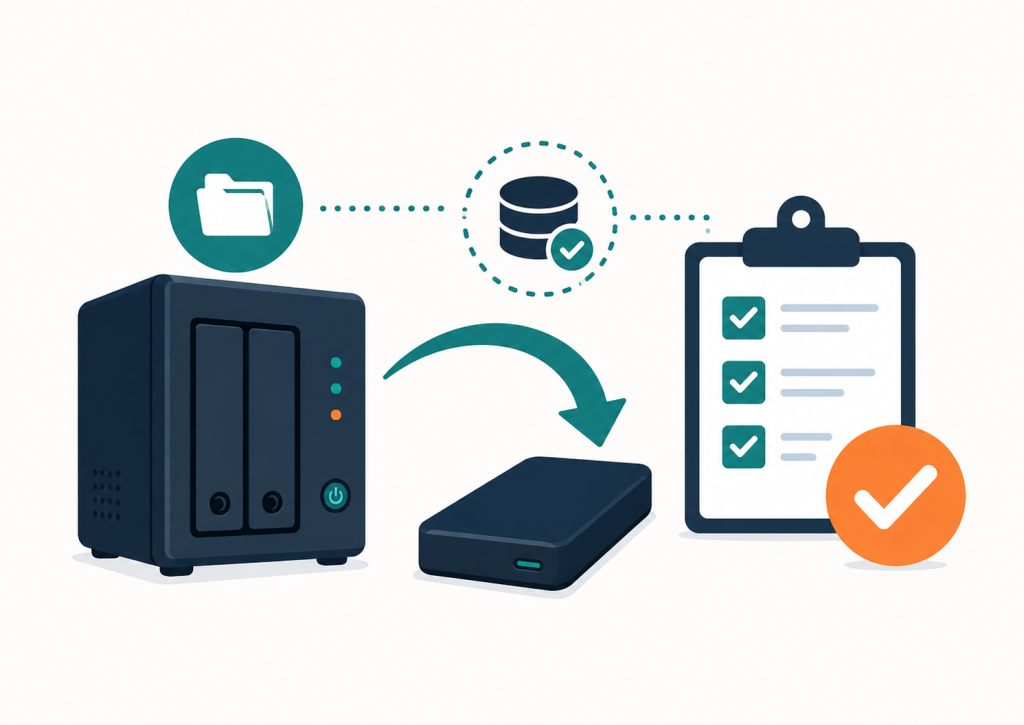
Many small home server setups have some kind of backup.
At least, they look like they do.
Files are copied to an external drive. A folder is synced to another device. A few Docker volumes are stored somewhere. Maybe there is even a script that runs every night.
That is better than nothing.
But it is not automatically a tested backup.
The real question is not:
“Did something get copied?”
The real question is:
“Can I restore this when something breaks?”
A backup only becomes useful when restore has been tested.
Why copied files are not always enough
Copying files can miss important parts of a system.
For a simple folder, a file copy may be enough. But many home server services are not just folders. They often depend on configuration files, databases, permissions, container settings, environment variables, and application-specific data.
For example:
- A Nextcloud setup is not only the user files. It also has a database and configuration.
- A Paperless-ngx setup is not only the PDF files. It also has metadata, tags, correspondents, document types, and database content.
- A Home Assistant setup is not only YAML files. Integrations, automations, secrets, dashboards, add-ons, and backups all matter.
- A Docker service is not only the compose file. The volumes, environment variables, networks, permissions, and database state matter too.
So a file copy may be useful, but it may not be enough to rebuild the service.
The dangerous part is false confidence
The biggest problem with untested backups is not that they are always bad.
The problem is that they can create false confidence.
You think you are protected.
Then something fails.
A disk dies. A container update breaks something. A database gets corrupted. A migration goes wrong. A folder is deleted by mistake.
Only then do you discover that the copied files are incomplete, too old, unreadable, or impossible to restore cleanly.
That is the wrong time to find out.
A simple backup test is better than a complicated backup plan
A backup plan does not need to be perfect on day one.
But it should be tested.
For a small home server, I usually care about a few practical questions:
- What exactly is included in the backup?
- Where is the backup stored?
- Is it separate from the system it protects?
- Can one file be restored?
- Can the full service be restored?
- Is the database included if the service needs one?
- Do the permissions still work after restore?
- Is the restore process written down?
- How long would recovery realistically take?
These questions are more important than having a very complicated backup script that nobody has ever tested.
The minimum restore test
A useful first restore test can be simple:
- Pick one service.
- Write down where its data, configuration, and database live.
- Run the backup.
- Restore one file from it.
- If the service uses a database, check that the database backup exists and is readable.
- If possible, restore the service into a test folder or test container.
- Write down the restore steps while doing it.
That written note matters.
When something breaks, you do not want to rely on memory.
Common home server backup mistakes
Here are mistakes I often see in small setups:
- Backups stored only on the same machine.
- External drives plugged in all the time with no separate copy.
- Docker compose files saved, but volumes forgotten.
- Application data copied, but database ignored.
- Sync mistaken for backup.
- No restore test after changing folder paths or storage.
- No backup before major updates.
- No written restore steps.
- Only one backup version, so accidental deletion is copied into the backup too.
None of these are unusual.
But they are fixable.
Sync is not the same as backup
Sync tools are useful, but they are not automatically backups.
If a file is deleted or corrupted, sync may quickly copy that deletion or corruption to the other location.
A proper backup should give you some ability to go back to an earlier state.
That can mean snapshots, versioned backups, dated folders, exports, or another method.
The exact method matters less than the outcome:
You need a way to recover from mistakes, not just hardware failure.
A backup should match the importance of the system
Not every system needs the same level of backup.
A test container may not need much.
A movie library may be annoying to rebuild, but it may not be business-critical.
Family photos, scanned documents, passwords, websites, accounting files, and client data are different.
Those deserve more care.
For important services, I want at least:
- A clear list of what must be backed up.
- A separate backup location.
- Some version history.
- A restore test.
- A short written recovery note.
That is already much better than:
“I think the files are copied somewhere.”
The backup is only proven when restore works
The point of a backup is not the backup itself.
The point is recovery.
A backup that cannot be restored is only storage.
A backup that has never been tested is only an assumption.
A tested restore turns that assumption into something you can trust.
Need a second pair of eyes on your home server setup?
I offer a written Home Server Setup Check for small self-hosted setups.
I review the structure, backup approach, update habits, access methods, and obvious weak points.
It is not emergency support and not a full rebuild.
It is a practical written review of what I would check first and what I would improve next.
Find our advice useful?
Add OTTA as a preferred source on Google.