
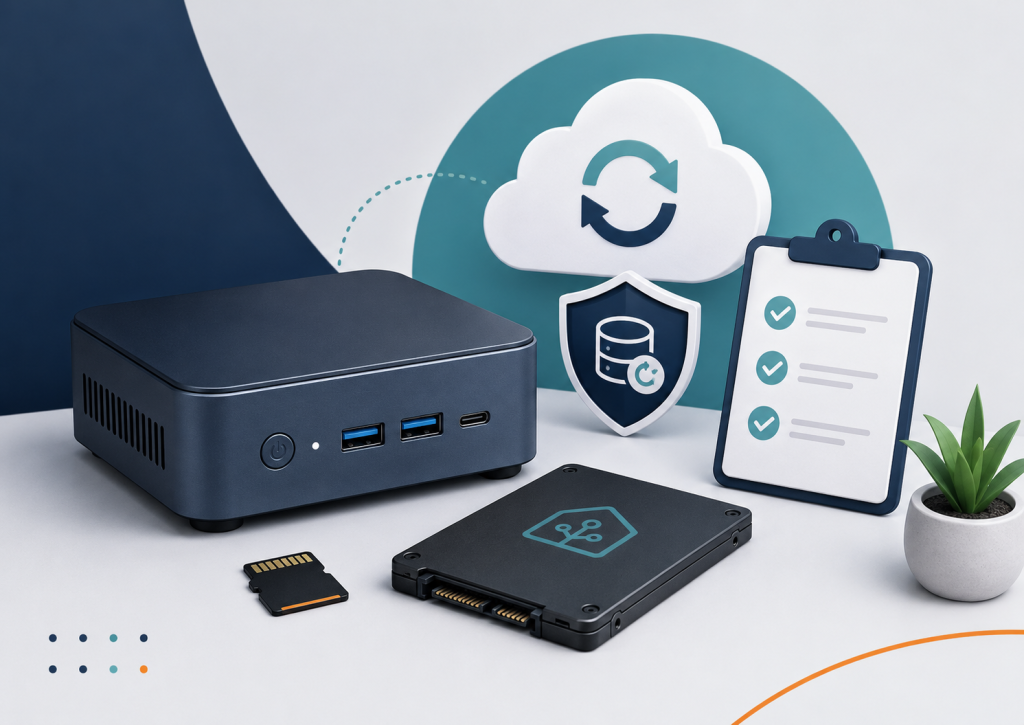
A Home Assistant backup becomes essential once your setup grows beyond a few simple devices. If the SD card, SSD or mini-PC fails, the real risk is losing your configuration, automations and device setup.
You start with a few lights, one smart plug, maybe a temperature sensor. Then you add Zigbee devices, automations, dashboards, presence detection, heating logic, cameras, notifications, scenes, helper entities and custom integrations.
At some point, Home Assistant is no longer just a hobby project. It becomes part of how your home works.
That is exactly when backups stop being optional.
Because if the SD card, SSD or mini-PC running Home Assistant fails, the real problem is usually not the hardware. The real problem is losing the configuration, the device setup, the automations and the logic you built over months or years.
The mistake many Home Assistant users make
Many Home Assistant setups technically have a backup somewhere.
But that does not always mean the setup is recoverable.
Common weak points are:
- backups stored only on the same device
- no recent backup before updates
- no copy outside Home Assistant
- no documented restore process
- no emergency key for encrypted backups
- old backups that nobody has tested
- unclear difference between “I have copied files” and “I can restore my system”
This is the same basic problem as with any home server: a backup is only useful if it can actually help you recover.
Copying files is not automatically a tested backup.
With Home Assistant, this matters even more because your setup may include device pairings, automations, add-ons, dashboards, helper entities, secrets, integrations and historical data.
If you lose that without a usable backup, you may not just reinstall Home Assistant. You may have to rebuild your smart home.
What actually happens if the storage dies?
Let’s say your Home Assistant system runs from a Raspberry Pi with a microSD card.
One day the system no longer boots. Maybe the SD card is corrupted. Maybe the Pi still powers on, but Home Assistant never starts correctly. Maybe the database is damaged. Maybe updates fail because the storage has become unreliable.
The same can happen with an SSD, a mini-PC or any other storage device. SSDs are usually more reliable than SD cards, but they are not magic. They can still fail. Filesystems can still become corrupted. Updates can still go wrong.
In that moment, you need three things:
- a working replacement device or storage medium
- a recent Home Assistant backup
- the information needed to restore that backup
If you have all three, the situation is annoying but manageable.
If you do not, you may be rebuilding integrations, dashboards, automations and device logic manually.
A good Home Assistant backup should not live only on Home Assistant
A local backup inside Home Assistant is useful.
But if it sits only on the same SD card, SSD or device that failed, it may be gone at exactly the moment you need it.
That is why a better backup strategy should include at least one copy outside the Home Assistant device.
For a small home setup, that could mean:
- a backup on a NAS or another home server
- a backup copied to another computer
- a backup stored on reliable external storage
- an off-site or cloud copy for disaster recovery
The exact tool matters less than the principle:
Your Home Assistant backup should survive the failure of the Home Assistant device itself.
What should be backed up?
For most users, the important parts are:
- Home Assistant configuration
- automations
- scripts
- scenes
- dashboards
- helpers
- add-ons
- integration settings
- device-related configuration
- secrets and tokens where applicable
Media folders and large shared folders are a separate question. They can make backups much larger and slower to restore. In many setups, it is better to treat large media files separately from the core Home Assistant backup.
The goal is not to create the biggest possible backup.
The goal is to create a backup that lets you recover the working smart home setup.
Automatic backups are good, but not the whole strategy
Automatic backups are important because manual backups are easy to forget.
A practical Home Assistant setup should have automatic backups enabled and should keep more than one backup version. This helps if you only notice a problem after an update, a configuration change or a broken automation.
But automatic backups alone do not solve everything.
You still need to know:
- where the backups are stored
- whether old backups are being cleaned up
- whether at least one backup exists outside the Home Assistant device
- whether encrypted backups can actually be restored
- whether you have access to the emergency information needed for recovery
A backup process should not depend on memory.
If you have to guess where your backup is during an outage, the process is too fragile.
The emergency kit matters
Encrypted backups are good because Home Assistant backups can contain sensitive information.
Your smart home configuration may include access tokens, device keys, network details, integration settings and information about how your home behaves.
That data should not be left unprotected.
But encryption also means you need the correct emergency information to restore the backup later. If your backup is encrypted and you lose the required key or emergency kit, the backup may become useless.
So the emergency kit should be stored somewhere safe, outside the Home Assistant device.
Good places could include:
- a secure password manager
- an encrypted document store
- a printed copy in a safe place
- a protected family/admin folder
Bad places include:
- only inside Home Assistant
- only on the same SD card or SSD
- only in a browser download folder you never back up
- only in your memory
When should you create a manual backup?
Automatic backups are the baseline.
Manual backups are still useful before changes.
I would usually create or confirm a recent backup before:
- major Home Assistant updates
- add-on updates
- changing Zigbee or Z-Wave infrastructure
- replacing hardware
- editing important YAML configuration
- adding or removing major integrations
- changing network, DNS or reverse proxy settings
- moving from Raspberry Pi to mini-PC
- changing storage from SD card to SSD
A manual backup is not a sign that something is wrong.
It is simply a controlled checkpoint before you touch something important.
Backups are not only for disasters
A good backup strategy is not just about total failure.
It also helps when smaller mistakes happen.
For example:
- you delete an automation by accident
- an update breaks an integration
- a dashboard change goes wrong
- an add-on update causes problems
- a device migration does not work as expected
- a configuration change creates unexpected behaviour
In those cases, a recent backup can save hours of troubleshooting.
This is especially important when Home Assistant is used by more than one person in the household. If the lights, heating, motion sensors, notifications or pet-care routines depend on automations, reliability matters.
A smart home should make life easier, not make everyone nervous when something updates.
What I would check in a Home Assistant backup review
If I reviewed a Home Assistant setup, I would not only ask whether backups exist.
I would check the actual recovery situation.
That means looking at questions like:
- Are automatic backups enabled?
- How often are backups created?
- How many backup versions are kept?
- Where are the backups stored?
- Is there a copy outside the Home Assistant device?
- Are backups encrypted?
- Is the emergency kit stored safely?
- Are large folders making backups unnecessarily slow?
- Is there a backup before important updates?
- Is the restore process understood?
- Is the hardware itself a weak point?
- Would the household still function if Home Assistant were down for a day?
This is where many setups reveal hidden risk.
The system may look fine from the dashboard, but the backup and restore path may be weak.
Simple recommendation for most home users
For most Home Assistant users, I would aim for this minimum:
- automatic backups enabled
- more than one backup version retained
- at least one backup stored outside the Home Assistant device
- emergency kit stored safely
- manual backup before major changes
- basic restore plan written down
- hardware storage checked, especially if using an SD card
This does not need to be complicated.
But it does need to be intentional.
A Home Assistant setup with no tested recovery path is fragile, even if everything appears to work today.
Final thought
The question is not only:
“Is Home Assistant running?”
The better question is:
“If this device dies tomorrow, how quickly could I get my smart home back?”
If the answer is unclear, your backup strategy needs attention.
Home Assistant can be very reliable, but only if the surrounding setup is also reliable: storage, updates, backups, restore process and documentation.
That is why backup strategy should be part of every serious Home Assistant setup.
If you are not sure whether your Home Assistant setup is properly backed up, documented and recoverable, the Home Assistant Setup Review can help identify weak points before they become a real problem.
Find our advice useful?
Add OTTA as a preferred source on Google.