
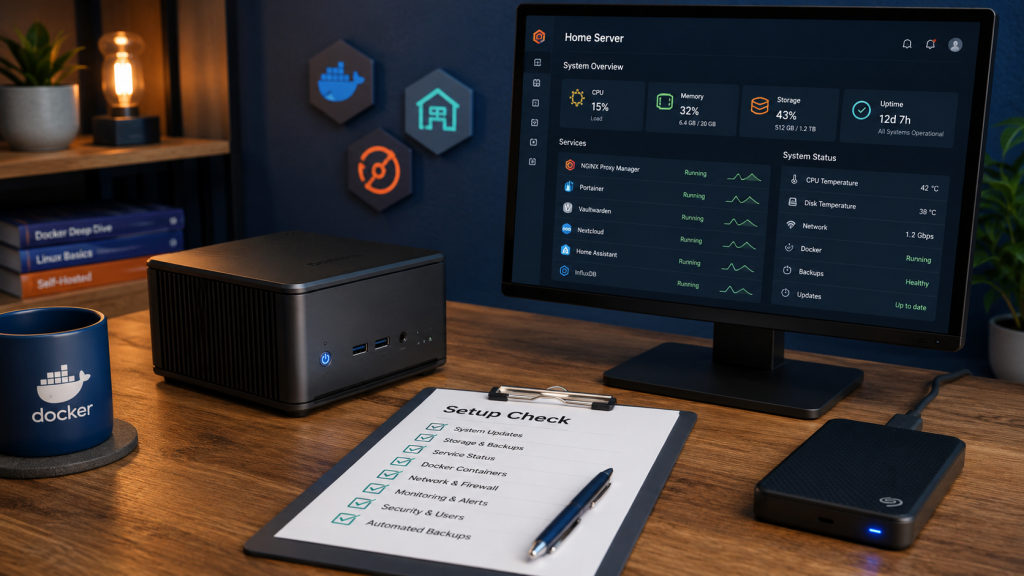
The Home Server Setup Check is a practical written review of a small self-hosted setup. It looks at how the system has grown, where weak points may exist and what could be made clearer or easier to maintain.
A small home server can run very well for years.
But over time, many setups grow in a way that is not fully planned. One Docker container is added. Then another. A reverse proxy is configured. Backups are added later. Remote access is enabled. Updates are done when there is time.
That is normal.
The problem is not that the setup is “wrong”. The problem is that many small home servers have never been reviewed as one complete system.
That is what my Home Server Setup Check is for.
It is a written review of your current setup. The goal is not to make it more complicated. The goal is to make it clearer, safer and easier to maintain.
What I look at
The Home Server Setup Check is focused on practical points that matter in a real home setup.
I look at how your services are arranged, how Docker is used, how updates are handled, how backups are planned, and whether you have obvious weak points that could cause trouble later.
This may include areas such as:
- Docker Compose structure
- container update habits
- backup location and backup quality
- reverse proxy setup
- local DNS or internal hostnames
- remote access method
- exposed services
- basic monitoring
- storage layout
- documentation and recovery notes
The check is not about judging whether your setup is “advanced” or “perfect”. It is about finding the parts that are unclear, fragile, undocumented or easy to forget.
Docker and Compose structure
Many home servers start with one or two containers.
Later, the setup becomes a collection of different Compose folders, old test containers, unused volumes, duplicate ports and services that nobody fully remembers.
In the check, I look for obvious structure problems.
For example:
- Are services separated in a sensible way?
- Are Compose files easy to understand?
- Are container names and folders clear?
- Are important paths visible?
- Are there old or unused parts that may cause confusion later?
This does not mean everything has to be rebuilt.
Often, the first improvement is simply knowing what exists and where it belongs.
Backups
Backups are one of the most important parts of a small server setup.
But a copied folder is not automatically a reliable backup.
A good backup should answer practical questions:
- What exactly is being backed up?
- Where is the backup stored?
- Is the database included?
- Can the backup be restored?
- Is there a manual backup before major updates?
- Would you know what to do if the disk failed?
In the Home Server Setup Check, I look at your backup approach and identify obvious gaps.
The aim is not to design an enterprise backup system. The aim is to reduce the chance of losing important services, documents, media libraries, configuration files or application data because nobody checked the recovery path.
Updates
Docker makes updates easy, but easy updates can still break things.
A useful update process should usually include:
- knowing which image is being updated
- checking the current Compose file
- taking a backup before important changes
- updating one service at a time when sensible
- checking logs afterwards
- confirming that the service still works
I look at whether your update process is predictable or risky.
The result may be a simple written update checklist that fits your setup.
Remote access and exposed services
Remote access is often where home server setups become risky.
Some people use VPNs. Some use Tailscale. Some expose services through a reverse proxy. Some open ports directly without fully remembering why.
The Home Server Setup Check looks for obvious exposure and access problems.
For example:
- Which services are reachable from outside?
- Is remote access handled through a safer method?
- Are admin interfaces exposed unnecessarily?
- Are internal services separated from public services?
- Is there a clear reason for each exposed service?
This is not a penetration test.
It is a practical review to catch avoidable mistakes.
Monitoring and alerts
A home server does not need complex monitoring.
But it is useful to know when something important is down.
Basic monitoring can help with:
- failed containers
- unavailable web services
- DNS problems
- full disks
- failed updates
- backup failures
In the check, I look at whether you have a simple way to notice problems before they become bigger.
The goal is not to create noise. The goal is to make important failures visible.
Documentation
Many home servers work because the owner remembers how everything fits together.
That is fine — until something breaks six months later.
Good documentation can be simple.
It may include:
- where each service lives
- which ports are used
- where data is stored
- how backups are created
- how to restore important services
- which services are public, private or VPN-only
The Home Server Setup Check can point out where documentation is missing and what should be written down first.
What you receive
After the check, you receive a written report.
The report is designed to be practical, not theoretical.
It usually includes:
- a summary of the current setup
- important findings
- risk areas
- suggested improvements
- quick wins
- longer-term recommendations
- a simple priority order
The goal is that you can read it and know what to do next.
See an example report
If you want to see what the final written report looks like before ordering, you can view a fictional example Home Server Setup Check report.
The example report shows the structure, tone and practical level of detail used in a typical written review. It does not contain real customer data, passwords, private configuration files or personal information.
View an example Home Server Setup Check report
What this check is not
This is important.
The Home Server Setup Check is not emergency support.
It is not a repair service.
It is not live remote administration.
It is not a promise that your system is fully secure.
It is a written review based on the information you provide.
That keeps the service focused, affordable and clear.
Who this is for
This check is useful if you run a small home server with services such as Docker, Jellyfin, Nextcloud, Paperless, Home Assistant, Pi-hole, reverse proxy tools, monitoring tools or similar self-hosted applications.
It is especially useful if your setup works, but you are not fully sure whether your backups, updates, access and documentation are good enough.
A working setup is good.
A working setup that you understand and can recover is better.
Next step
If you want a clear written review of your current home server setup, you can book the Home Server Setup Check.
You provide the details through a written intake form.
I review the setup and send back a practical written report with concrete findings and next steps.
No call required. No on-site visit. No unnecessary complexity.
Just a clear check of the setup you already have.
Find our advice useful?
Add OTTA as a preferred source on Google.