
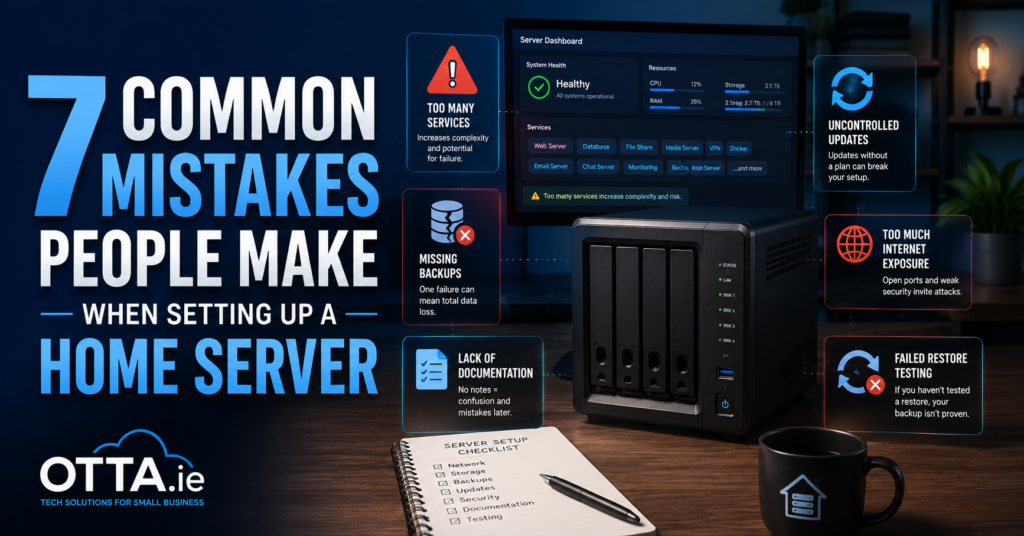
Setting up a home server can be a great way to take control of your files, backups, photos, smart home systems and self-hosted applications.
Home server setup mistakes can quickly make a simple self-hosted system more complicated than it needs to be.
The problem is usually not a lack of technical knowledge. It is often a lack of structure. Services are added quickly, backups are assumed to work, documentation is postponed and security decisions are made without a clear plan.
Here are seven common mistakes people make when setting up a home server.
1. Installing Too Many Services at Once
It is tempting to install everything immediately.
You may start with file storage, then add a media server, photo management, Home Assistant, document management, password storage, dashboards and monitoring tools.
Each service adds more containers, storage requirements, updates, dependencies and potential failure points.
A better approach is to start with one or two clearly defined services. Make sure they work reliably before adding anything else.
For example:
- Set up file storage first
- Add a reliable backup
- Test the restore process
- Document the setup
- Only then install the next service
A home server does not become more useful simply because it runs more applications. It becomes useful when the applications you actually need work reliably.
2. Confusing RAID With a Backup
RAID can protect against the failure of a drive. It does not protect against every other type of data loss.
If you accidentally delete a folder, the deletion may immediately be replicated across the array. The same can happen with corrupted files, ransomware or a badly configured application.
A proper backup should be separate from the main server.
Ideally, important data should exist in more than one location. This could include:
- The main server
- A local external backup drive
- A second server or NAS
- An encrypted cloud or off-site backup
The key question is not whether your server has RAID.
The important question is: Can you recover your data if the entire server disappears tomorrow?
3. Not Documenting the Setup
Many home servers work perfectly until something needs to be changed.
Months later, you may no longer remember:
- Which ports are used
- Where configuration files are stored
- Which Docker networks were created
- Which domains point to which services
- How backups are scheduled
- Which environment variables are required
- Why a particular setting was changed
Documentation does not need to be complicated.
A simple text file can record:
- Server name and IP address
- Installed services
- Docker Compose locations
- Storage paths
- Backup locations
- Network configuration
- Update procedures
- Recovery instructions
This becomes especially important when troubleshooting or rebuilding the server.
Good documentation turns a stressful recovery into a repeatable process.
4. Using Uncontrolled Container Updates
Containers make installing and managing services easier, but updates still need to be controlled.
Using an image tag such as latest can sometimes cause a service to change unexpectedly when the container is recreated. A new version may require a database migration, a configuration change or a newer dependency.
That does not mean automatic updates are always wrong. It means updates should be planned.
Before updating an important service:
- Check the release notes
- Confirm the current version
- Create a database and configuration backup
- Update one service at a time
- Check the logs
- Test the application
- Confirm that the backup can be restored
Stable systems are not systems that never receive updates. They are systems where updates are performed deliberately.
5. Exposing Too Many Services to the Internet
Not every home server application needs to be publicly accessible.
Opening ports directly on your router increases the number of services exposed to automated scans, login attempts and potential vulnerabilities.
Before making a service available from outside your home, ask whether you really need public access.
For many personal services, a private VPN such as Tailscale or WireGuard may be a simpler and safer option.
For services that must be public, use appropriate controls such as:
- HTTPS
- Strong, unique passwords
- Multi-factor authentication
- A reverse proxy
- Regular updates
- Access restrictions where possible
- Monitoring and log review
The simplest secure service is often the one that is not publicly exposed at all.
6. Updating Without a Backup
Updates are necessary, but they are also one of the most common moments when a working system breaks.
Problems can happen because of:
- Database migrations
- Changed configuration formats
- Deprecated settings
- Incompatible plugins
- Container image changes
- Incorrect environment variables
- Failed storage migrations
Before a significant update, create a backup of the components that matter.
For a typical containerised service, this may include:
- The Docker Compose file
- Environment files
- Configuration directories
- Database dumps
- Persistent application data
- A record of the current image version
A filesystem copy alone may not be enough for a running database. In many cases, a proper database dump is also required.
The backup should be created before the update, not after something has already gone wrong.
7. Never Testing the Restore Process
A backup is only useful if it can be restored.
Many people confirm that backup files are being created but never check whether those files are complete, readable or usable.
A restore test does not always require rebuilding the entire server.
You can start with smaller checks:
- Open a backed-up document
- Restore a folder to a temporary location
- Verify that a database dump is valid
- Recreate a test container from saved configuration
- Confirm that encryption keys and passwords are available
- Check that backup drives can still be mounted and read
For important services, occasional full recovery tests are worth the effort.
The goal is to remove uncertainty.
You should know what you would do if the server, operating system or main storage failed.
Keep the Setup Understandable
A good home server does not need to be large or complicated.
It should have:
- A clear purpose
- Controlled updates
- Reliable backups
- Limited internet exposure
- Basic documentation
- A tested recovery process
The best setup is not the one with the most services.
It is the one you can understand, maintain and recover.
If your current setup has grown over time and you are no longer sure whether the structure, backups or update process are reliable, the Home Server Setup Check provides a written review of your existing setup, including practical recommendations without remote access or unnecessary complexity.
Read also
- Do I Need a Home Server, a NAS, or Just Cloud Storage?
- How Do I Know If My Home Server Backup Actually Works?
Find our advice useful?
Add OTTA as a preferred source on Google.