
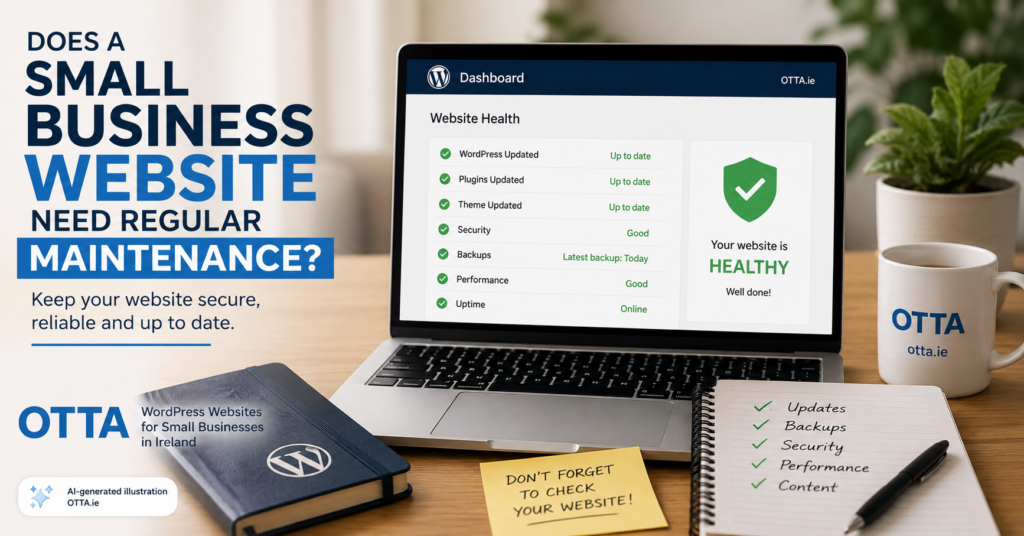
A small business website needs ongoing maintenance to stay secure, reliable, fast and useful. That does not mean you need to spend hours working on it every week. For most small businesses, regular checks and a sensible maintenance routine are enough.
In this guide, we look at what website maintenance actually involves, why it matters, what you can manage yourself and when it makes sense to use a website care service.
Why does a small business website need maintenance?
A business website is made up of several moving parts. WordPress itself receives updates, plugins are updated, themes change, hosting environments are upgraded and security threats continue to evolve.
Even if you do not actively change anything on the website, the technical environment around it continues to change.
Without maintenance, problems can gradually appear. A contact form may stop sending emails, a plugin may become incompatible with a newer version of WordPress, pages may load more slowly or an outdated component may create a security risk.
Regular small business website maintenance helps prevent technical problems, security issues and outdated information.
What does website maintenance usually include?
Website maintenance is not one single task. It is a collection of small checks that keep the site working properly.
1. WordPress updates
WordPress regularly releases updates that may include security fixes, bug fixes and new features.
The same applies to plugins and themes.
Keeping them updated is important, but updates should not simply be installed without thinking. It is sensible to have a recent backup available and to check that the website still works correctly after important updates.
2. Backups
A backup gives you a way to recover the website if something goes wrong.
Problems can happen because of a failed update, accidental changes, hosting issues or security incidents.
A good backup strategy should include both the website files and the database. Ideally, at least one copy should be stored separately from the hosting account itself.
3. Security checks
WordPress is widely used, which also means poorly maintained WordPress websites are common targets for automated attacks.
Basic security maintenance normally includes:
- keeping WordPress, plugins and themes updated,
- removing software that is no longer used,
- using strong login credentials,
- using multi-factor authentication or passkeys where appropriate,
- monitoring for suspicious activity.
Security does not need to be complicated, but outdated software should not be ignored.
4. Contact form testing
This is one of the most important checks for a small business website.
A contact form can appear to work perfectly while messages are no longer reaching the business owner.
Email delivery can be affected by hosting changes, DNS settings, spam filtering or mail configuration.
Sending a test enquiry occasionally is a simple way to make sure potential customers can still contact you.
5. Checking important pages
Your most important pages should be checked occasionally.
Typical examples include:
- the home page,
- services pages,
- pricing pages,
- contact pages,
- booking or enquiry forms.
Look for broken layouts, missing images, outdated information and links that no longer work.
6. Website performance
Websites can become slower over time.
New plugins may be added, databases can accumulate unnecessary information and large images or scripts may affect loading times.
Performance does not need to be monitored obsessively, but a business website should still feel quick and responsive on both desktop and mobile devices.
7. Updating business information
Technical maintenance is only part of the job.
Business information also becomes outdated.
Prices change. Services change. Opening hours change. Staff members change. Contact details may change.
A technically perfect website is still unhelpful if the information on it is wrong.
How often should a small business website be maintained?
There is no single maintenance schedule that suits every website.
A simple brochure-style website may need less attention than an online shop, membership website or booking system.
For a typical small business WordPress website, a sensible routine might include checking updates and backups regularly, testing important website functions periodically and reviewing business information whenever something changes.
Critical security updates should generally be dealt with promptly rather than waiting for a fixed monthly maintenance day.
Can I maintain my website myself?
Yes.
Many small business owners can handle basic maintenance themselves, especially if their website is relatively simple.
Updating content, checking contact details and testing forms are straightforward tasks.
WordPress updates can also be manageable if you understand what is being updated and have a reliable backup available.
The important point is that somebody needs to take responsibility for the maintenance.
A website that belongs to everyone but is maintained by nobody will eventually cause problems.
When does a website care service make sense?
A website care service can be useful when you do not want to spend time checking updates, backups and technical issues yourself.
It can also make sense when the website is important for generating enquiries and you want someone to notice problems before customers do.
For businesses that rely on their website for enquiries, regular maintenance provides useful peace of mind: somebody is keeping an eye on the website and will tell you when something needs attention.
If you are comparing options, see what website maintenance costs in Ireland.
Maintenance should start when the website is built
Website maintenance is much easier when the website has been built sensibly in the first place.
A site using a large number of unnecessary plugins, poorly supported themes or complicated page builders can become difficult to maintain.
A simpler setup with well-supported components is generally easier to update, troubleshoot and keep secure.
This is one reason why the long-term maintenance of a website should be considered during the initial website project rather than after problems appear.
Do you need help looking after your WordPress website?
OTTA builds and maintains practical WordPress websites for small businesses in Ireland.
If you would prefer to hand routine maintenance over, see OTTA’s WordPress website maintenance service. It is available for websites hosted with OTTA or with another provider, with updates every two weeks and clear responsibilities agreed in writing.
If you are planning a new website and want ongoing support after launch, see our WordPress website services and prices or contact OTTA to discuss your setup.
Find our advice useful?
Add OTTA as a preferred source on Google.