
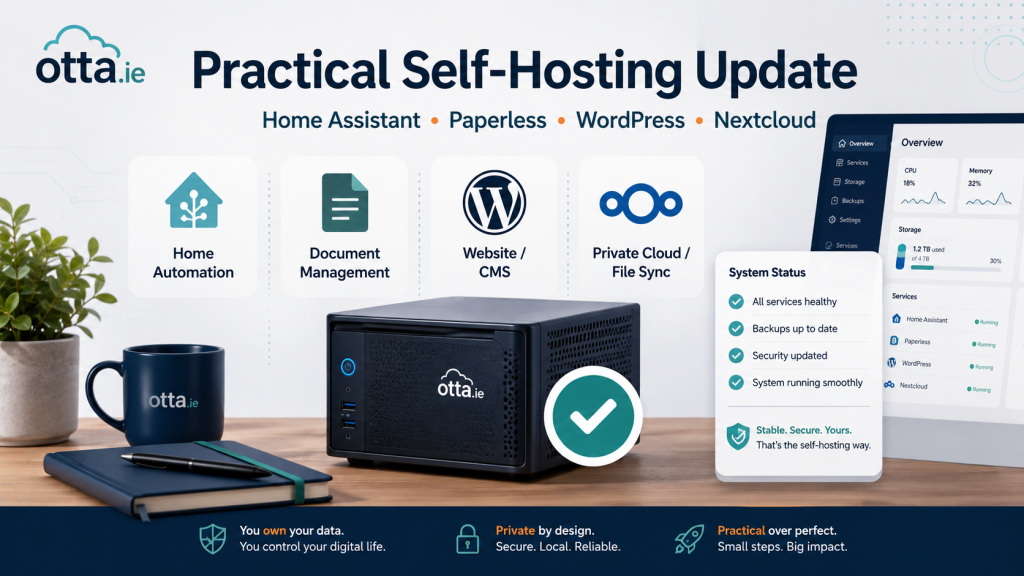
Self-hosting updates do not all deserve immediate attention, but stable releases can still matter when they affect security, reliability or day-to-day maintenance.
Here are the practical updates worth noticing this week.
Home Assistant 2026.7: Easier Automations
Home Assistant 2026.7 improves how automations are created by making more specific triggers and conditions easier to use.
For small home setups, this matters because many Home Assistant problems are not caused by missing features. They are caused by automations that become too complicated, too fragile, or hard to understand later.
The practical takeaway: after updating, it is worth reviewing important automations and checking whether they are still clear, simple, and maintainable.
Paperless-ngx: Security Updates Should Not Be Ignored
Recent stable Paperless-ngx releases include security fixes that are recommended for users.
This matters because Paperless-ngx often stores sensitive documents: invoices, insurance papers, tax letters, scans, household records, and other private files.
For small Docker setups, the important point is not only whether the container starts after an update. The important point is whether there is a current backup before updating, and whether documents and the database can be restored if something goes wrong.
WordPress 7.0.1: Maintenance Fixes
WordPress 7.0.1 is a maintenance release with bug fixes across WordPress Core and the Block Editor.
For small business websites, this is not a reason to redesign the site. It is a normal maintenance update.
After updating WordPress, the practical checks are simple: open the homepage, check important pages, test forms, and verify checkout if WooCommerce is used.
Nextcloud: Keep an Eye on Maintenance Releases
Nextcloud continues to publish stable maintenance releases for supported server versions.
For small self-hosted Nextcloud systems, maintenance releases matter because Nextcloud usually holds important files, photos, documents, calendars, and shared data.
The practical takeaway is simple: keep Nextcloud updated, but treat it as a data system. Check backups first, update deliberately, and make sure recovery is possible before relying on it.
Practical Takeaway
This week’s theme is maintenance, not complexity.
Home Assistant is becoming easier to manage, Paperless-ngx security updates should be taken seriously, WordPress needs routine post-update checks, and Nextcloud remains a backup-first service.
For small self-hosted setups, the best system is not the one with the most features. It is the one that can be updated, understood, backed up, and restored.
Find our advice useful?
Add OTTA as a preferred source on Google.