
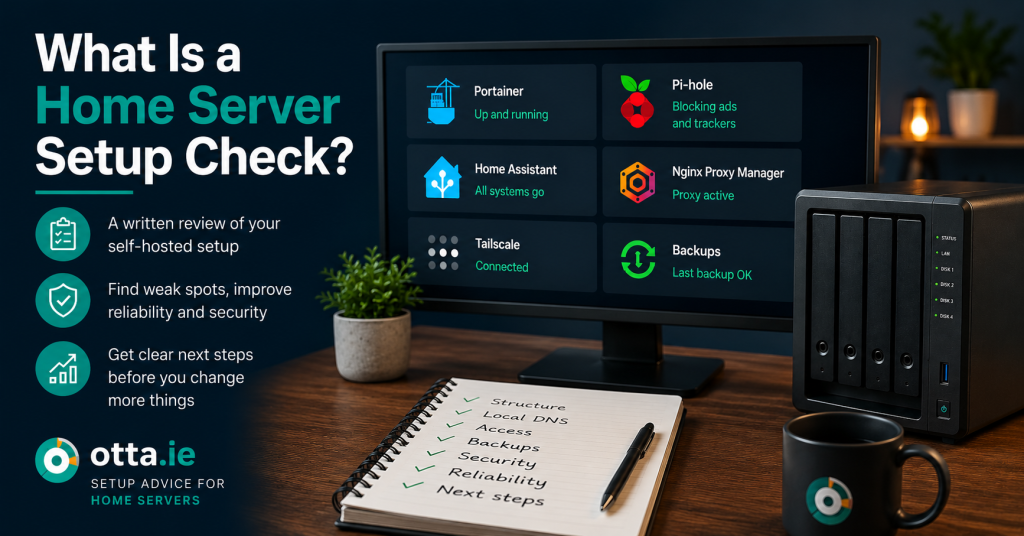
A home server setup check is a written review of a small self-hosted system. It helps you understand what is working, what is fragile and what should be improved before you change more things.
Many home server setups grow over time. You start with one useful service, then add another container, then local DNS, then a reverse proxy, then remote access, then media services, then backups.
After a while the system may still work, but it can become hard to understand. You may not be sure which service depends on which setting. You may not know whether your DNS, backups or remote access setup is safe enough. That is where a written setup check can help.
What a home server setup check is
A home server setup check is not emergency support. It is not remote repair work. It is a written review of your current setup based on the details you provide.
The goal is to give you a clear overview of your system, point out weak spots and suggest practical next steps.
A setup check can be useful for small self-hosted systems using tools such as:
- Docker
- Docker Compose
- Portainer
- Pi-hole
- AdGuard Home
- Nginx Proxy Manager
- Tailscale
- Home Assistant
- Jellyfin or Plex
- WordPress or other small web apps
When a setup check makes sense
A written setup check is useful when your system works, but you do not fully trust it.
Common examples include:
- You have several Docker containers and are no longer sure how they fit together.
- You use local DNS, but some devices still behave differently from others.
- You have remote access through Tailscale or a reverse proxy and want a basic sanity check.
- You are not sure if your backup plan is enough.
- You want to move services to a cleaner structure.
- You are planning a server rebuild and want to avoid repeating old mistakes.
- You want written next steps before you make more changes.
It is also useful if you have followed many guides over time and ended up with a setup that works, but feels messy.
What the review can cover
The exact review depends on your setup and what you send. A home server setup check can cover areas such as:
- How your services are structured
- Whether your Docker or Compose setup is easy to maintain
- Whether local DNS is clear and predictable
- Whether remote access looks sensible for a small home setup
- Whether backups are likely to help if something fails
- Whether important services depend on one fragile point
- Whether service names, ports and domains are understandable
- Which changes should be done first
The result should help you avoid random fixes. Instead of changing five things at once, you get a more ordered plan.
What you need to send
A written review works best when the information is clear. You do not need to send remote access. You should not send passwords.
Useful information can include:
- A short summary of what the server is used for
- A list of main services
- Screenshots of Docker, Portainer or service dashboards
- Your local domain or naming structure, if relevant
- A short explanation of the problem or concern
- What you want the setup to do better
- Any recent changes that caused problems
Before sending screenshots, check that private information is hidden.
Do not send:
- Passwords
- Private tokens
- API keys
- Recovery codes
- Bank details
- Remote access credentials
What a setup check is not
A setup check is written advice. It is not a managed IT service.
It does not include:
- Live troubleshooting
- Emergency repair
- Remote login to your system
- Direct changes to your server
- Guaranteed repair of unknown faults
- Ongoing monitoring
You stay in control of your own system. The review gives you a clearer plan so you can decide what to change next.
Why written advice can work well
Written advice is useful for home server setups because it gives you something you can read again later.
A good written review can help you:
- Understand your setup better
- See the most important risks
- Prioritise changes
- Avoid changing too many things at once
- Keep notes for future rebuilds
- Explain the setup to someone else in the household
This is especially useful when your setup has grown slowly over months or years.
A simple example
A common home server setup might include Docker, Portainer, Pi-hole, Nginx Proxy Manager, Tailscale, Jellyfin and a few small web apps.
Each part may work on its own. The real question is how they work together.
A setup check might point out that local DNS is working, but only for some devices. It might show that a reverse proxy is used for services that should stay local. It might show that backups exist, but are not easy to restore. It might suggest a cleaner naming structure before adding more services.
The value is not only in finding problems. It is in creating a practical order for the next changes.
Before you change more things
If your home server already works, it is tempting to keep adding more services. Sometimes that is fine. But if you are unsure about structure, access, DNS or backups, it can be better to pause first.
A written home server setup check gives you a clearer view before you make the next change.
Need a written review of your home server setup?
The Home Server Setup Check gives you practical written notes on structure, local DNS, access, backups, reliability and next steps.
View the Home Server Setup CheckFind our advice useful?
Add OTTA as a preferred source on Google.