
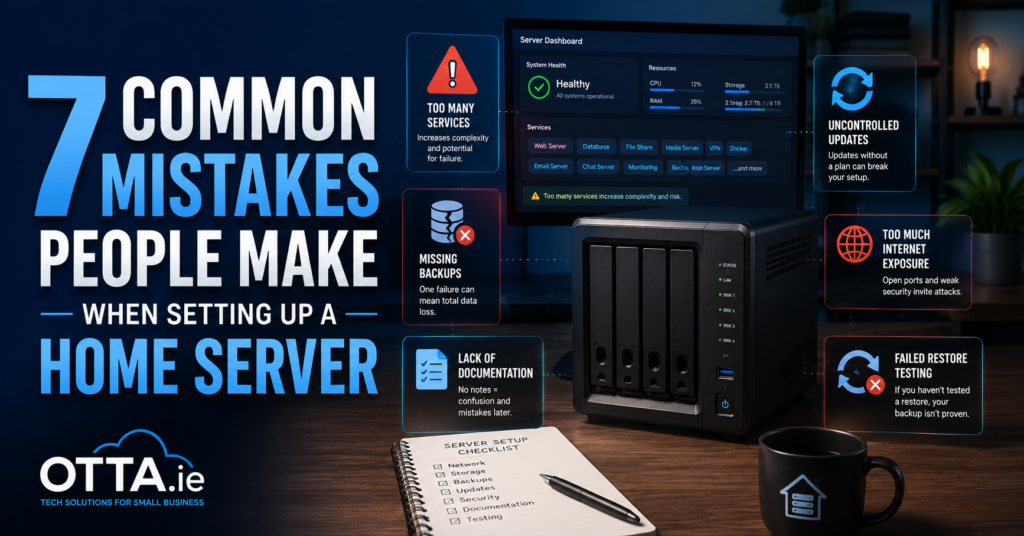
7 Common Mistakes People Make When Setting Up a Home Server
Many home server problems begin with simple setup mistakes. Here are seven common issues involving backups, Docker updates, documentation, security and recovery—and how to avoid them.
Practical guides for home servers, Docker, self-hosted services, remote access, backups, reliability and small local systems.
Many home server problems begin with simple setup mistakes. Here are seven common issues involving backups, Docker updates, documentation, security and recovery—and how to avoid them.
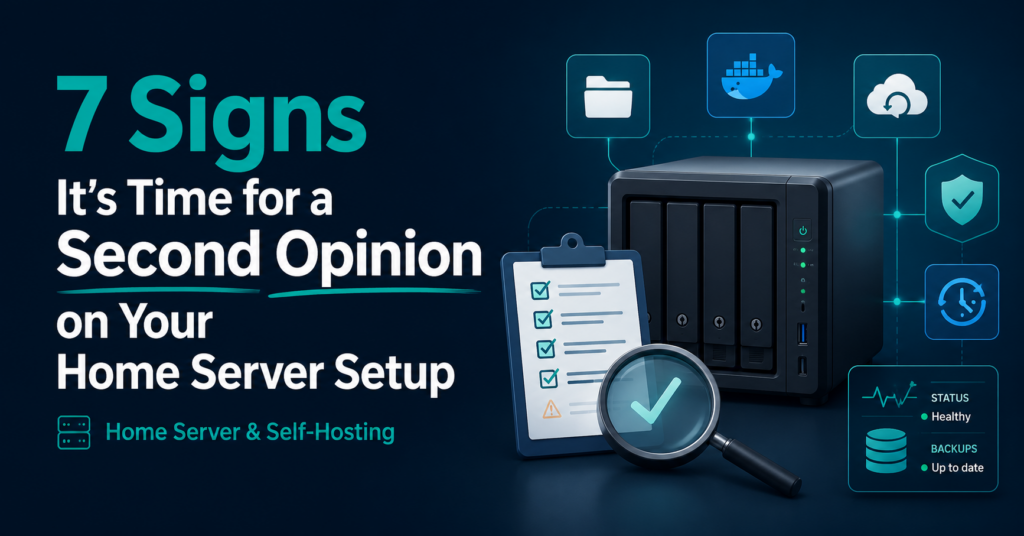
A home server can appear to work while still feeling difficult to trust. Here are seven signs that a structured second opinion may help.
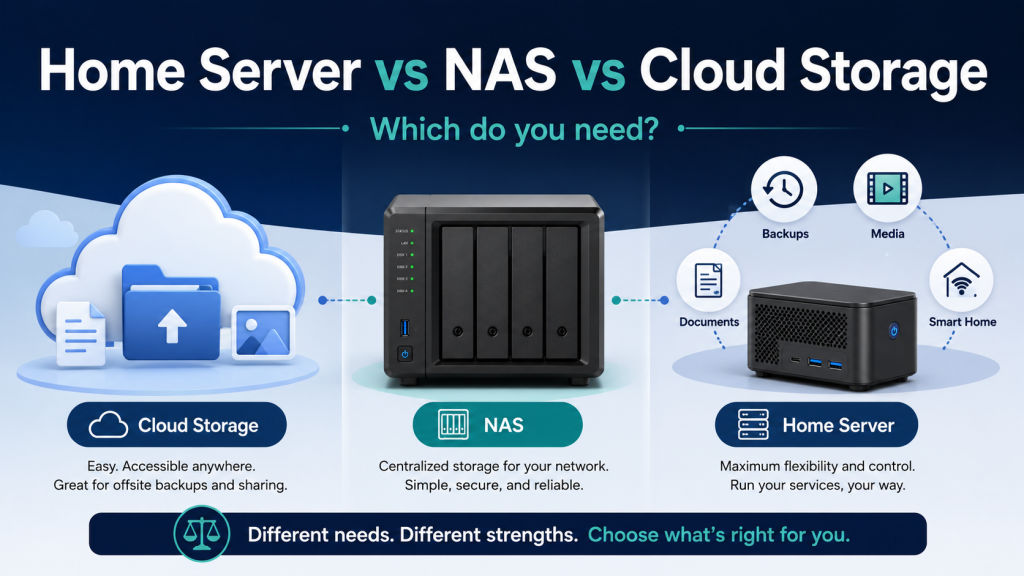
Not sure whether you need cloud storage, a NAS, or a home server? This guide explains the differences, typical use cases, maintenance requirements, and how to choose the simplest reliable option for your needs.
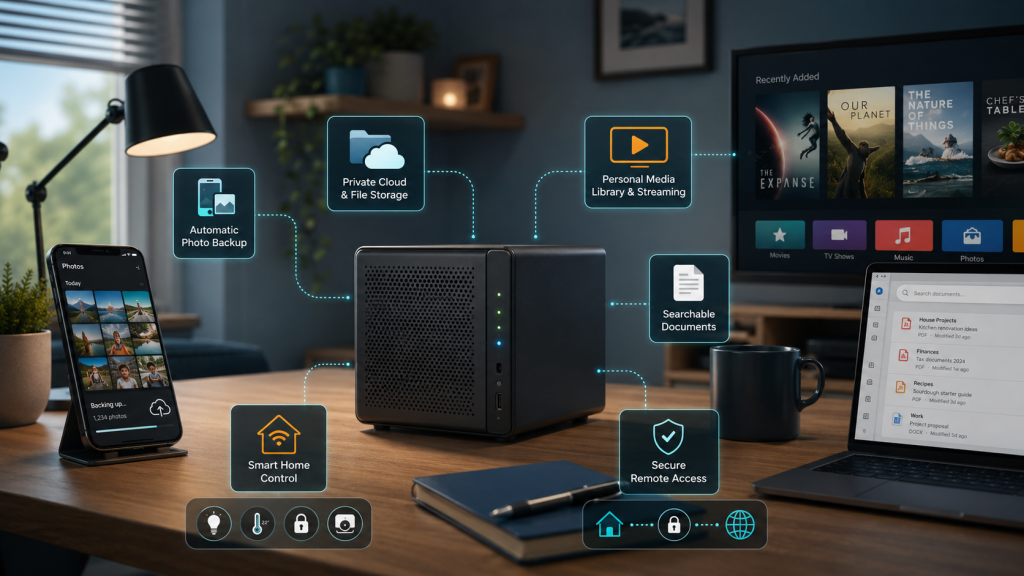
A small home server can back up photos, store files, organise documents, stream media and control smart-home devices. This practical guide explains what is possible, what hardware you may need and where the responsibilities begin.
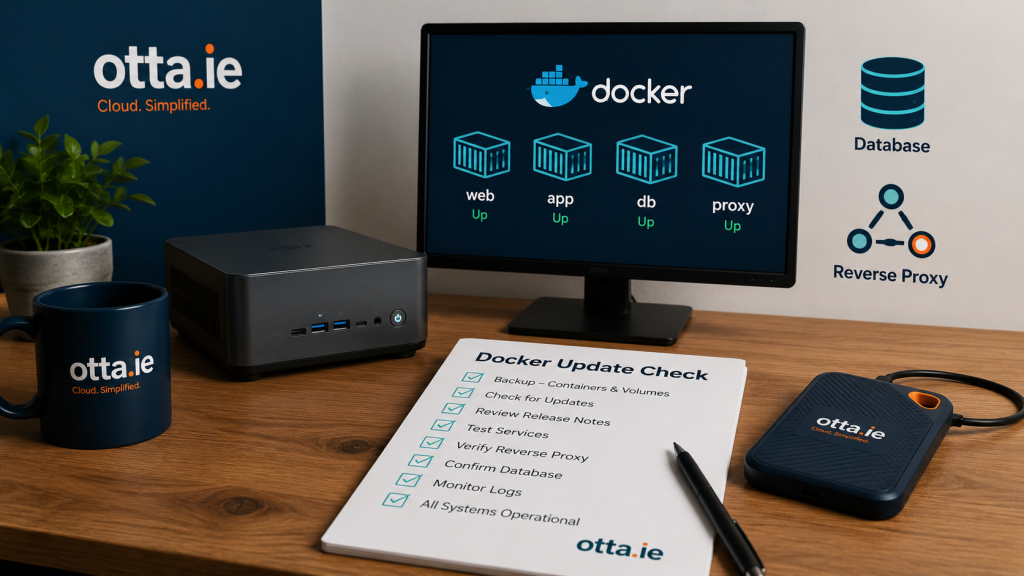
A backup is only useful if it contains the right data and can be restored. This practical guide explains how to check whether your home server backup is genuinely usable.
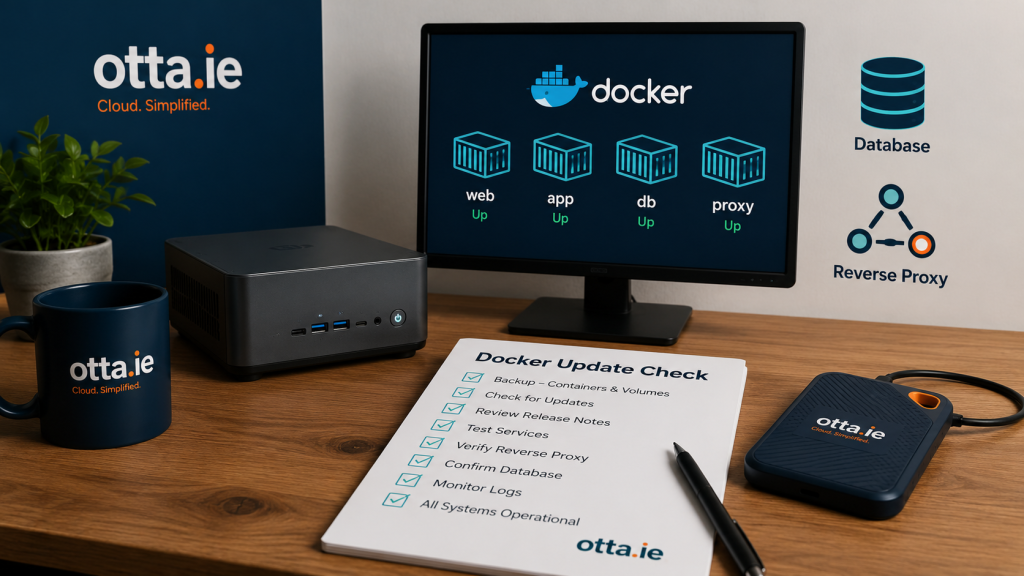
Docker updates are not difficult, but they can break a small home server if volumes, databases, backups, reverse proxies or rollback options are not checked first.
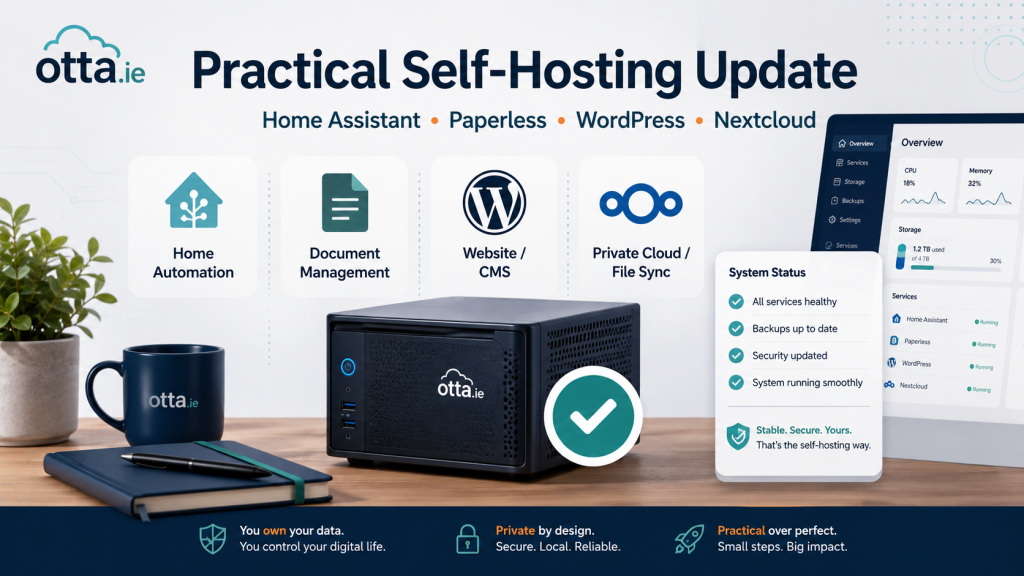
A short practical update on stable releases and maintenance points for small self-hosted setups using Home Assistant, Paperless-ngx, WordPress and Nextcloud.
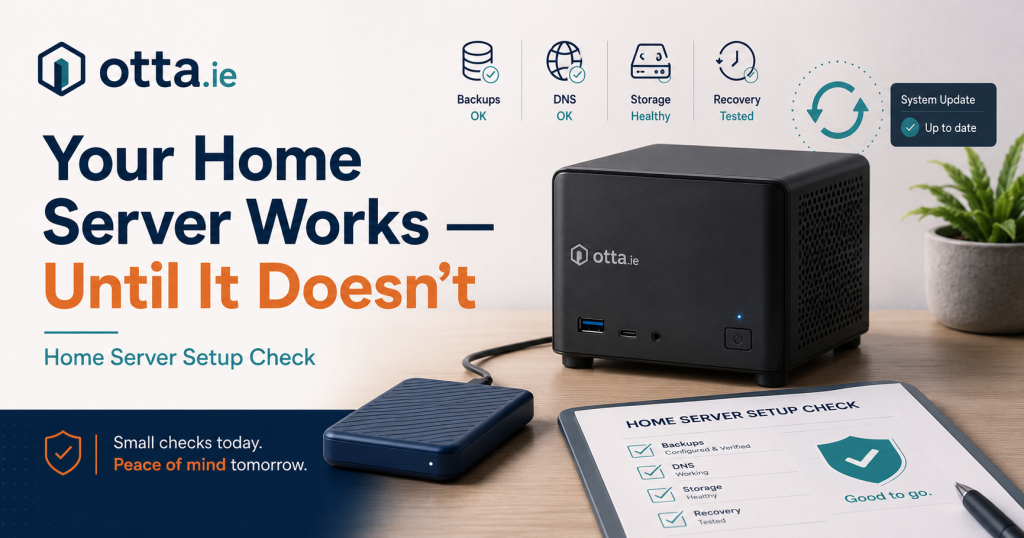
A home server setup check can reveal weak points before they turn into real problems. Your server may be working
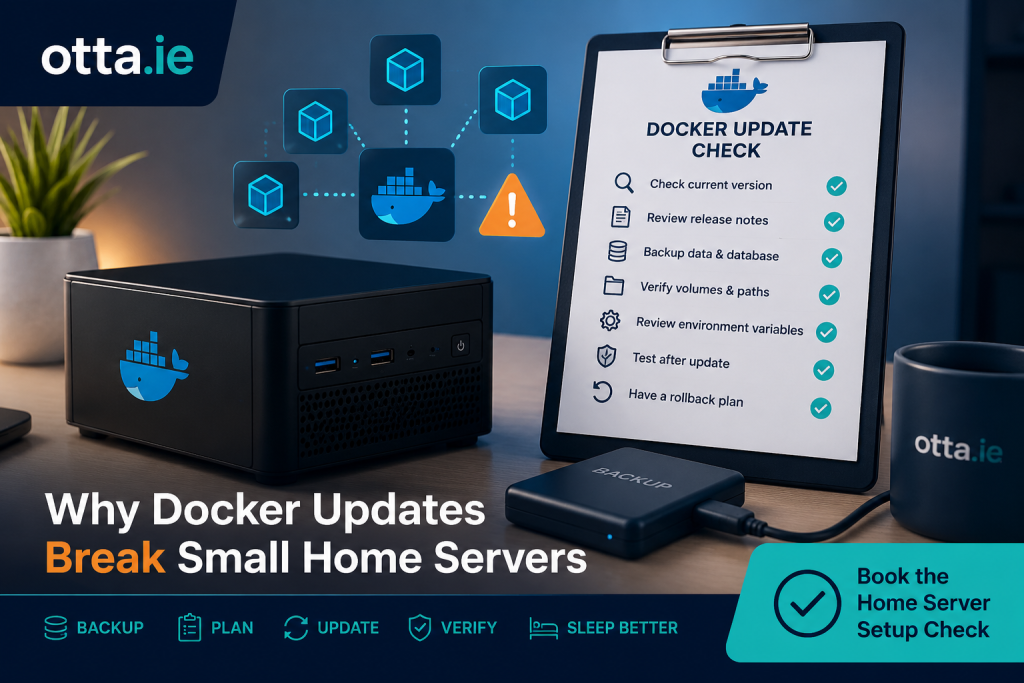
Docker updates can make small home servers easier to maintain, but they can also expose weak points in the setup.
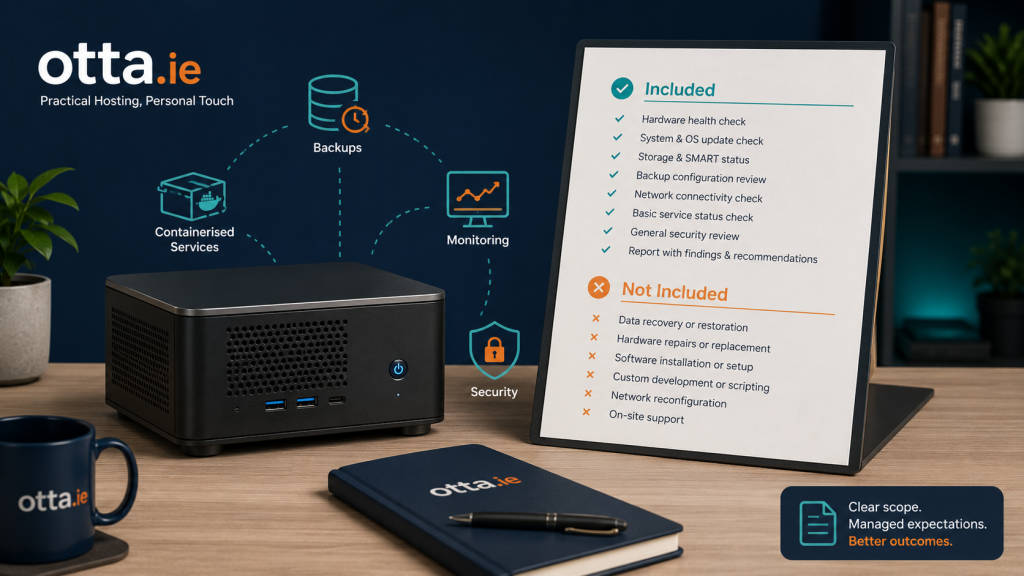
The Home Server Setup Check is designed as a practical written review, and it is just as important to be